






Can I use multiple deposit methods in one session at Instaspin Casino, or do I have to stick to one?

Instaspin Casino’s banking guide outlines the procedures for depositing funds, submitting withdrawal requests and monitoring transaction progress through the cashier.
It also highlights important checks involving payment details, account currency, identity verification and pending transactions. The operator is Magico Games N.V., which holds an Anjouan licence under number ALSI-082309007-FI4.
| Payment Method | Transaction Type | Processing Stages | Required Checks |
|---|---|---|---|
| Bank Cards | Debit and credit card payments | Issuer authorisation, payment confirmation | Card number, expiry date, security code |
| E-Wallets | Digital wallet transactions | Wallet login, balance check, payment approval | Wallet balance, account details, transaction status |
| Bank Transfer | Account-to-account payments | Transfer submission, bank processing, fund receipt | Recipient name, account number, payment reference |
| Local Payment Methods | Regional online payment services | Provider authorisation, transaction confirmation | Payment instructions, amount, confirmation status |
| Cryptocurrency | Digital asset transfers | Wallet submission, network validation, blockchain confirmation | Cryptocurrency, network, destination address |
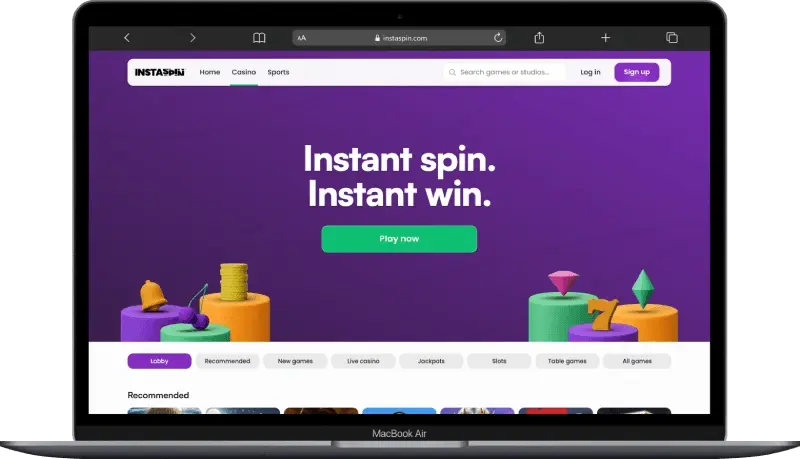
Sign in to your account and open the cashier to see the funding choices presented to you. The table describes payment categories, not a confirmed list of methods we accept. Select a displayed option before entering an amount, and review the transaction details before you authorise payment.
Keep the payment confirmation until the transaction appears in your account. If you leave the payment screen before completing an authorisation, return to the cashier and inspect the transaction status before starting another payment.
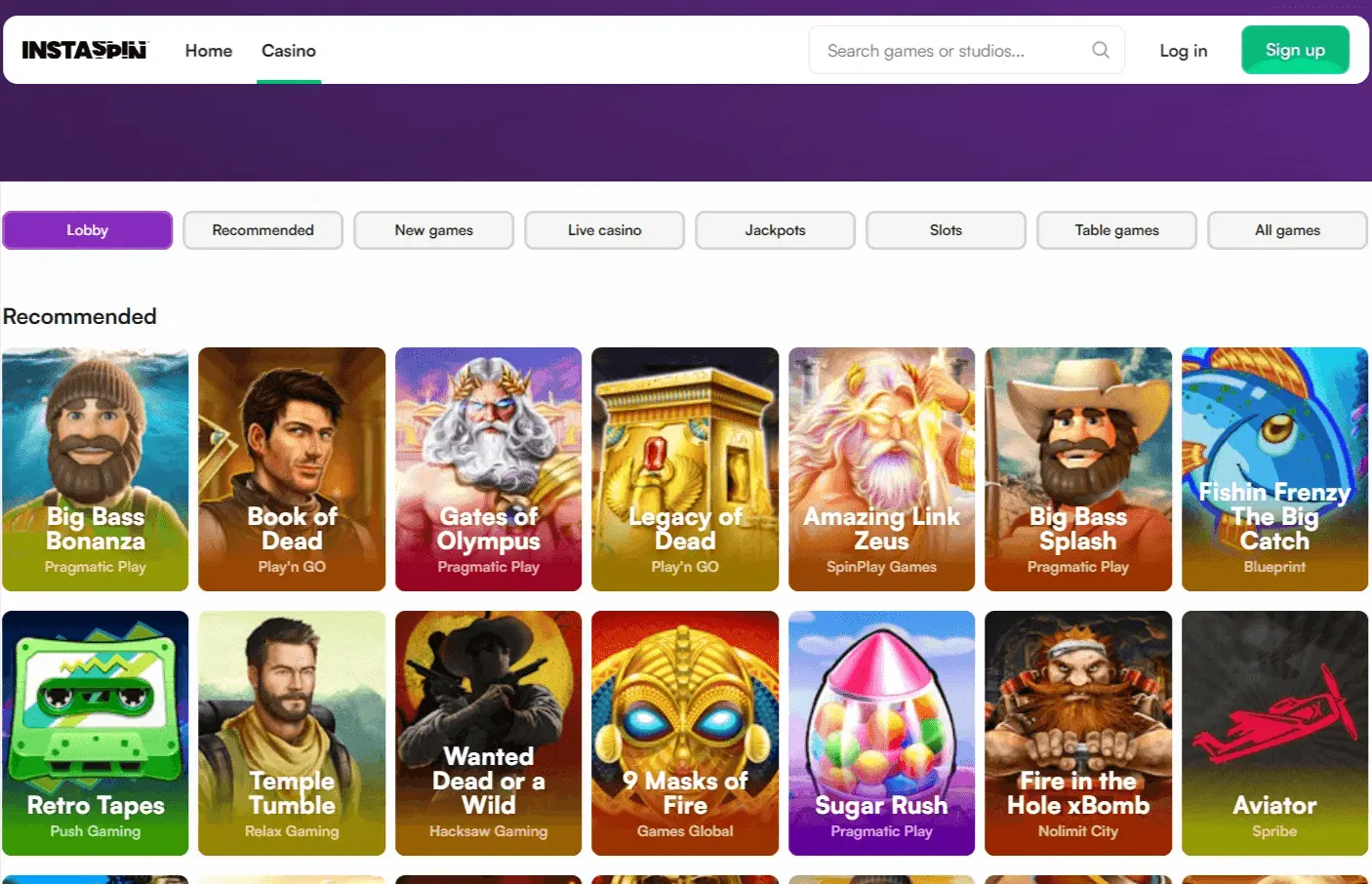
We have not specified individual payment providers or confirmed that every category in the table is offered. Your cashier is the place to identify the choices presented for your account; the payment flow will show which information you need to supply for the option you select.
The following categories explain when a payment route may fit your needs. They do not confirm that we offer every route; choose only from the options presented in your cashier.
If a card option is presented, enter the requested card information carefully and complete any authorisation requested by your card issuer. An authorisation request is not the same as a completed deposit: return to your account and confirm that the balance has been credited.
If the card payment is declined, avoid repeatedly submitting the same request. Review the details you entered and ask your issuer about the decline before attempting another transaction.
If you select a displayed wallet or other online payment option, follow its authorisation flow and return to the cashier after completing it. A separate payment account may show its own transaction status, which can help you distinguish an unfinished authorisation from a payment sent for processing.
For a cryptocurrency transfer, the asset, network and destination address must match the instructions for that transaction. Do not send funds to an address copied from an unrelated payment request; an incorrect transfer may not be recoverable.
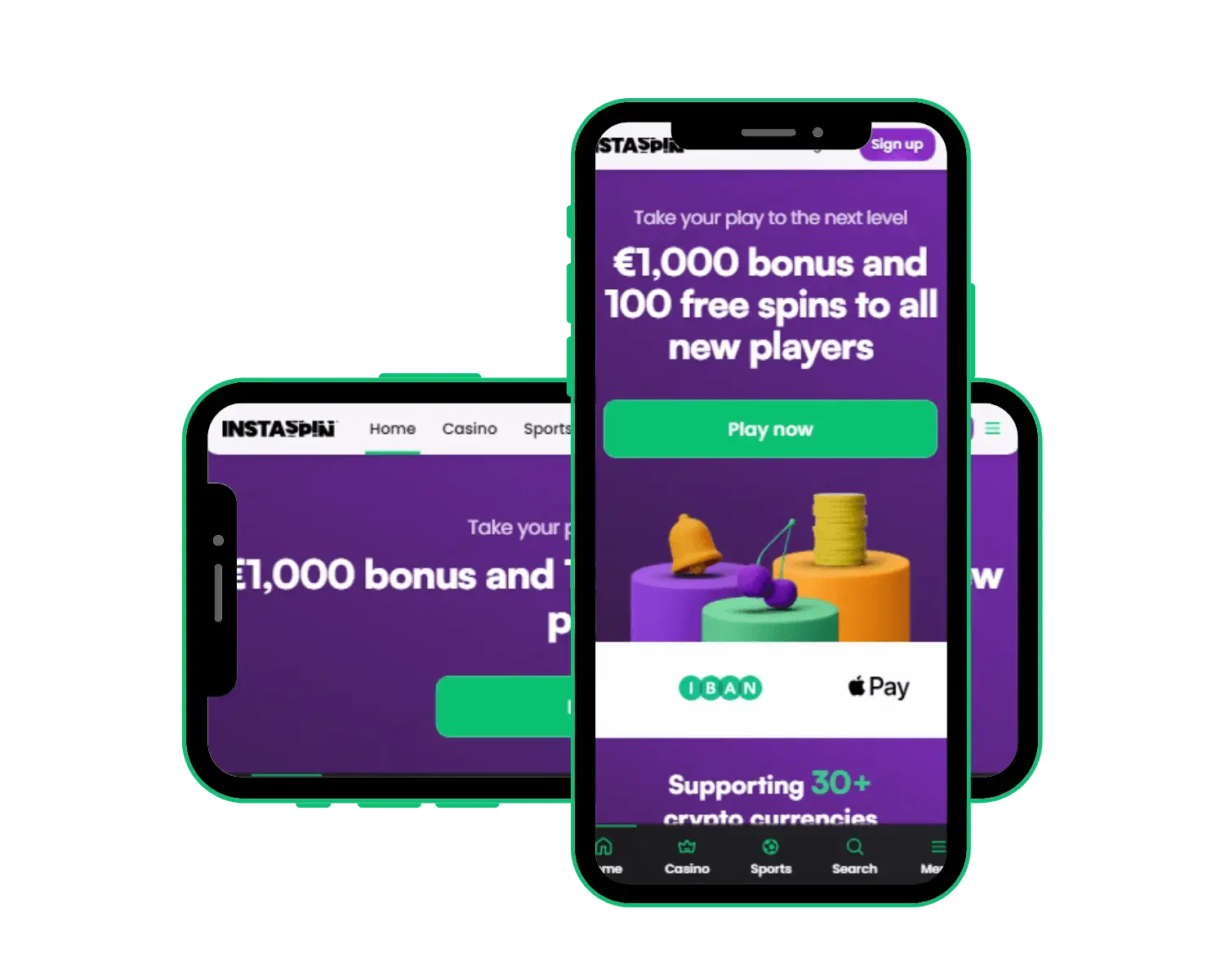
Our cashier is where you begin a deposit or withdrawal request. Complete the payment provider’s prompts where required, then use the transaction record and your balance to establish whether the request has been submitted and whether funds have moved.
For a withdrawal, enter the requested destination details carefully before confirming. A submitted request can remain pending while processing or verification takes place, so submission alone does not establish that the money has reached your payment account.
Follow these steps in order to make a deposit and then request a withdrawal. A payment is not complete merely because you have opened or submitted a request.
We have not specified a general minimum deposit, a withdrawal limit or a fee schedule. Before confirming a transaction, read the amount, currency and any charge shown in the payment flow; your payment provider may also apply its own charges.
When the payment currency differs from the currency used by your payment account, conversion can affect the amount received or charged. Review the conversion information presented by the party handling it before you approve the payment.
We have not specified a deposit processing time. A payment may need authorisation or processing by the payment provider before it can be reflected in your balance. Use the transaction record rather than assuming that leaving the payment screen means the deposit is complete.
If your provider shows a completed payment but your balance has not changed, retain the transaction reference and contact us. That reference helps us identify the payment you are asking about without requiring you to submit it again.
Verification can be relevant before a withdrawal is completed. If we request information to establish your identity or verify a payment method, provide the requested material through the process presented to you. Incomplete or inconsistent information can delay the request.
Protect your account credentials and do not share passwords or payment security codes. If you notice a transaction you did not authorise, contact us and your payment provider promptly so the activity can be investigated.
A withdrawal can remain pending while a request is processed or information is reviewed. These actions help you avoid preventable errors and give us useful details if you need assistance.
A failed deposit can result from an incomplete authorisation, incorrect details or a decline by the payment provider. Check the status and the information entered before trying again. If money has left your payment account, keep the reference and ask us to trace the transaction rather than making a duplicate payment.
For a pending withdrawal, review the request status and respond to any verification request. If you need help, email us at support@instaspins-casino.nl with the transaction reference and a description of the issue; do not include your password or payment security codes.
Can I use multiple deposit methods in one session at Instaspin Casino, or do I have to stick to one?

I noticed the deposit options include e-wallets and credit cards. Are there any fees associated with these methods?

Is there a minimum deposit amount I should be aware of before funding my Instaspin Casino account?

I’m curious if Instaspin Casino supports cryptocurrency deposits or if it’s limited to traditional payment methods.
Depositing via bank transfer took longer than expected. Does Instaspin Casino usually have delays with certain payment methods?
I appreciate that Instaspin Casino offers instant deposits through e-wallets, which makes starting to play faster.
Are deposit bonuses automatically applied when funding the account, or do I need to enter a promo code?
It’s a bit confusing that some payment methods aren’t available in my country. I wish Instaspin Casino provided clearer info on this.
Can I use multiple deposit methods in one session at Instaspin Casino, or do I have to stick to one?
I noticed the deposit options include e-wallets and credit cards. Are there any fees associated with these methods?
Is there a minimum deposit amount I should be aware of before funding my Instaspin Casino account?
I’m curious if Instaspin Casino supports cryptocurrency deposits or if it’s limited to traditional payment methods.
Depositing via bank transfer took longer than expected. Does Instaspin Casino usually have delays with certain payment methods?
I appreciate that Instaspin Casino offers instant deposits through e-wallets, which makes starting to play faster.
Are deposit bonuses automatically applied when funding the account, or do I need to enter a promo code?
It’s a bit confusing that some payment methods aren’t available in my country. I wish Instaspin Casino provided clearer info on this.
We have not specified a withdrawal processing time. A pending request has been submitted but has not necessarily reached your payment account. Review its status and respond to any verification request. If you need assistance, email us at support@instaspins-casino.nl with the withdrawal reference and a description of the issue.
We have not specified a general minimum deposit or a deposit and withdrawal fee schedule. Before you confirm a transaction, review the amount, currency and any charge shown in the payment flow. Your payment provider may also charge for its services or currency conversion, so review its information before authorising payment.
We have not confirmed cryptocurrency as an available method or specified rules for changing a withdrawal method. Look at the options presented in your cashier and contact us if you need help with a change. If we request payment-method or identity verification, provide the requested information; an incomplete response can delay a withdrawal.